
How to share lessons with your students
A quick guide on how to share a lesson with your students
Sharing a lesson with your students is quick and easy:
-
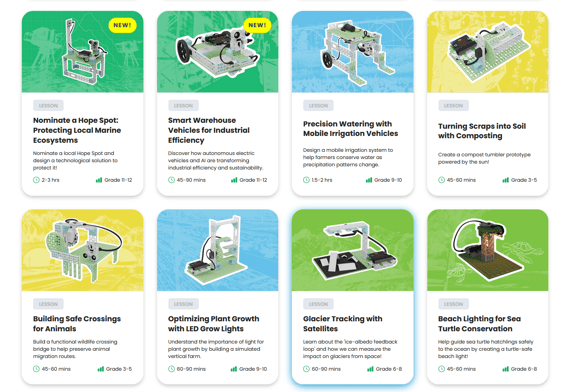
Select the lesson that you are looking to review with your students from the Lesson Library
-
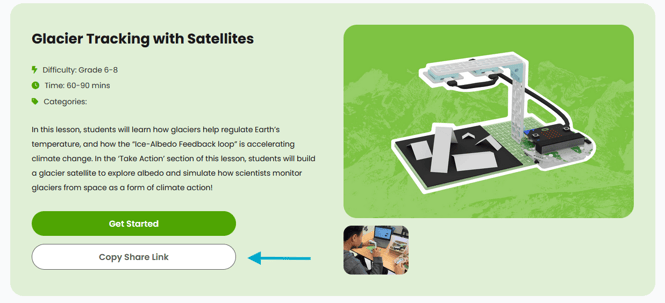
Once in the chosen lesson click the 'Copy Share Link' button to automatically copy the sharing link to your clipboard
-
Share the link with your class any way you prefer (email, Google Classroom, instant message, etc.)
Last updated January 27, 2026